 English
Twelve practical checks for legacy DeltaV maintenance, upgrade planning and spare-parts purchasing.
Emerson’s January 2026 announcement of DeltaV v16.LTS brings software-defined automation, operational data visibility and cybersecurity into the modernization discussion. For an existing plant, however, a new release starts an assessment—not an automatic replacement order. This guide focuses on DeltaV M-series maintenance and purchasing checks, helping engineers and MRO buyers define what to retain, what to verify and what to prepare before a project proceeds.
Write down the operational trigger: an expansion, a documented support concern, workstation constraints, maintenance difficulties or a capability the current installation cannot provide. Define the expected result and how it will be accepted. “Use the latest version” is not a complete business case. Separate urgent restoration of a failed component from a planned platform change; the technical scope, schedule and approvals may be very different.
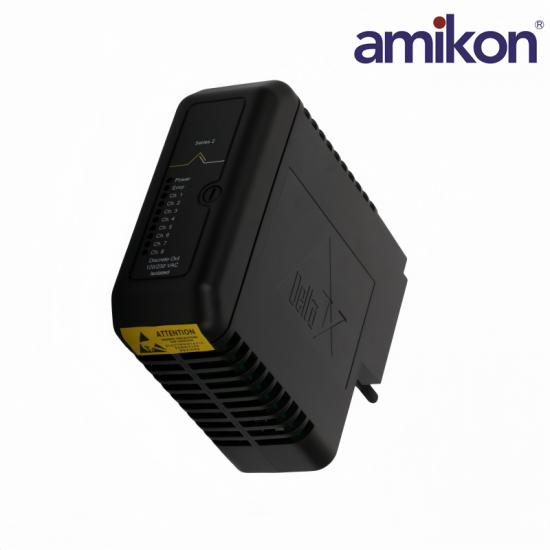
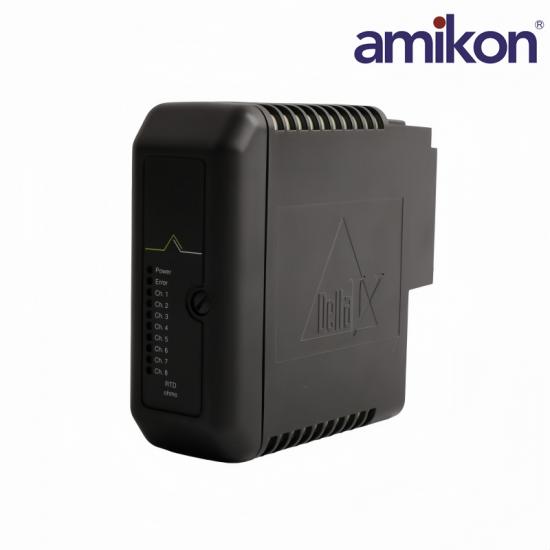
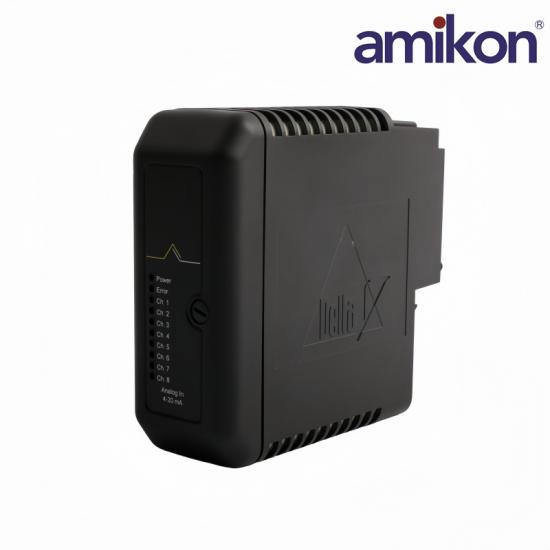
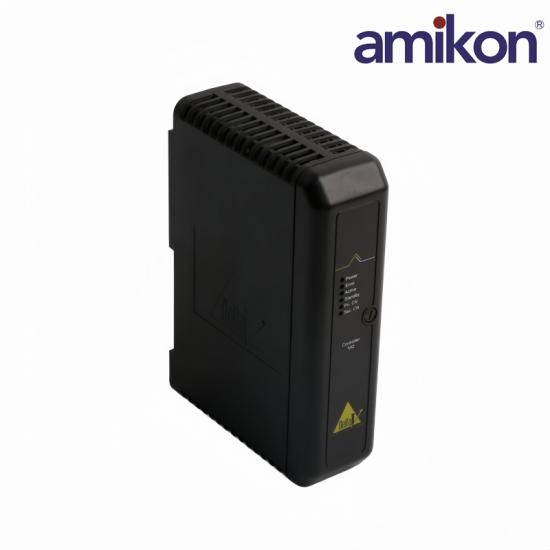
Create an inventory of controllers, power supplies, I/O cards, carriers, terminal blocks, workstations and network equipment. Emerson’s M-series hardware overview separates these roles. The MQ controller listing concerns control hardware; the listed DC supply supports system power. Analog, RTD, thermocouple and discrete-output cards serve different signal requirements. They are not substitutes for one another.
For every inventory line, record location, function, installed quantity and available spare quantity. Distinguish installed hardware from warehouse stock. Photograph readable labels under the approved site procedure, and reconcile the physical inventory with the configuration records before seeking upgrade quotations.
Preserve the KJ model, full 12P or 13P assembly marking, VE catalog reference where present, and separately stated revision information. Do not assume a suffix alone describes firmware or that two similar labels identify equivalent equipment. For example, KJ3002X1-BC1 12P0681X072 and KJ3002X1-BF1 12P1732X042 are listed for different input functions. Keep the complete references in both the engineering requirement and purchase order.
Ask Emerson or the responsible support organization for current information applicable to each exact item and software release. Record the source, date, scope and any conditions attached to continued support. Separate a manufacturer lifecycle notice from a supplier’s temporary stock shortage. A legacy installation may contain components with different support positions; the release of v16.LTS does not establish that every earlier controller or I/O card is discontinued.
Where evidence is incomplete, mark the status as requiring confirmation and assign an owner. Do not turn an unverified replacement suggestion into an approved alternative simply because a supplier can quote it.
Build an item-by-item compatibility review for the proposed target architecture. The M-series Traditional I/O datasheet describes an I/O interface as a card and terminal block within a carrier-based subsystem. That makes checking only the card label inadequate. Review the controller, carrier, terminal arrangement, signal requirements and software support together. Current family documentation must not be assumed to certify every historical assembly revision.
Document the engineering decision and supporting reference. A newer-looking card or a matching connector is not sufficient evidence of interchangeability. Keep unresolved items outside the final procurement release until the responsible engineer has accepted the proposed scope.
Confirm the supported operating environment, workstation or server configuration, licenses, firmware and application dependencies for the selected release. Check operator displays, historian functions, engineering tools and other installed applications as separate requirements. Do not assume that buying a controller includes software entitlements or activates every feature announced for the platform. Record any intermediate upgrade stages that the approved migration path requires.
Emerson’s DeltaV Upgrade Service frames modernization around assessing the installation, preparation and validation. Use the current project-specific requirements to develop the plan; a general product announcement is not a compatibility matrix or an execution procedure.
A file copied months ago may not represent today’s installation. Confirm ownership, date, completeness and the approved method for testing recovery. Resolve differences between drawings and the live configuration before the outage. Keep access to sensitive system information controlled; an initial spare-parts enquiry normally needs identification details, not an unrestricted copy of the plant project.
Rank each requirement by process consequence, existing accepted stock, actual redundancy, recovery complexity and supply uncertainty. A common card is not automatically the highest-priority spare. Conversely, a low-cost component can delay recovery when the approved matching item is unavailable. Review the specific installation rather than applying a universal stocking quantity.
Identify spares needed to maintain the current system while the upgrade is being prepared, as well as items required for the target system. Clearly label their intended use so a warehouse item is not mistaken for an approved upgrade component.
Map external dependencies: field devices, packaged equipment, serial or Ethernet interfaces, operator applications and other connected systems. Record protocols, addressing, data mapping and ownership where applicable. Include interfaces that appear to work independently but provide alarms, production records or permissives. If safety-system interfaces are involved, retain the applicable separate engineering and validation requirements; ordinary DCS component selection does not approve a safety function.
Create an interface test list with expected results and the team responsible for each check. Resolve third-party software and device requirements before scheduling the change, rather than discovering them after the system has been taken out of service.
Define decision points, hold conditions, responsibility and escalation contacts. Specify what happens if an acceptance check fails. Establish whether rollback is technically supported and what resources it would require; returning to a previous software state is not always a simple reversal. The plan should explain how the process remains in an approved state throughout the work.
Do not infer that redundancy makes every upgrade disruption-free or authorizes live replacement. Whether work can be performed online depends on the verified configuration and approved procedure. Record final hardware identities, configuration changes and test results before handing the system back to operations.
Compare total project exposure rather than purchase price alone. Consider inventory tied up, shipping, receiving checks, specialist labor, restart work and production or quality impacts. Use plant-specific figures where available, and identify assumptions. Avoid promising savings percentages or restoration times without a documented basis. Repair feasibility and upgrade compatibility both require confirmation for the actual item.
Provide the full model and assembly reference, readable label photographs, quantity, requested condition, installed system context and destination. State whether the enquiry is for maintenance of the existing installation or an approved upgrade requirement. Include the required delivery date as a request, not an assumed commitment. Ask for written confirmation of the offered identity, included accessories, available documentation and proposed dispatch schedule.
Have engineering review any difference before order acceptance. At receipt, compare labels, scope, condition and records with the approved order, then complete the applicable acceptance checks. Delivery to the warehouse is not permission to install. This final handover connects the upgrade plan with a traceable purchasing decision.
No. Verify lifecycle and support information for the exact hardware and installed software. A new platform release does not establish a common end-of-life date for every component.
Not automatically. They illustrate related M-series purchasing requirements. Confirm each complete reference against the target architecture and applicable release documentation.
Do not assume interchangeability. Confirm the sensor, signal type, terminal arrangement and configuration with engineering before selecting the required input card.
Include the full available KJ, 12P or 13P and VE markings, plus separately identified revision information. State the required scope and attach readable label photographs.
Only an approved assessment and procedure can determine the permissible method for that installation. Redundancy alone does not establish a safe online-change path.
Request confirmation of the offered item, condition, quantity, supplied scope, available documents and proposed dispatch. Engineering acceptance of compatibility remains part of your project review.
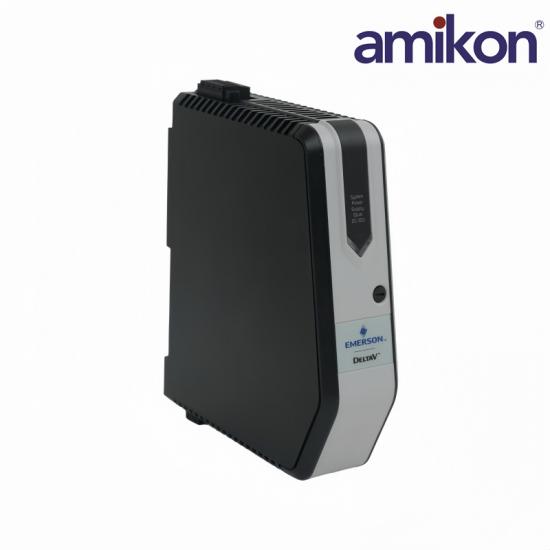
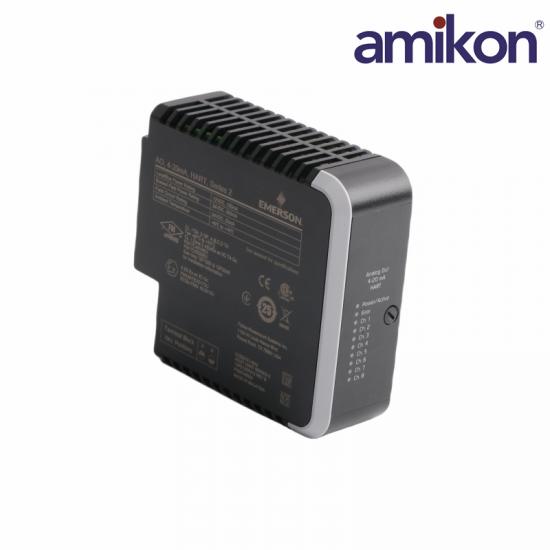
Explore the Emerson product category and these six listings with Lisa’s contact details. They cover different functions and are not an approved upgrade kit. Confirm the exact offered hardware and scope before ordering.
Swipe or scroll horizontally to explore all six products →
References reviewed: 30 October 2026. Apply current manufacturer documentation to the installed and proposed configurations. Amikon is an independent supplier, not an authorized Emerson distributor. Product names and trademarks belong to their owners.

Get regular updates and real automation insights straight to your inbox.


 IPv6 network supported
Disclaimer: Amikon sells new and surplus products and develops channels for purchasing such products. This website has not been approved or recognized by any of the listed manufacturers or trademarks. Amikon is not an authorized distributor, dealer, or representative of the products displayed on this website. All product names, trademarks, brands, and logos used on this website are the property of their respective owners. The description, explanation, or sale of products with these names, trademarks, brands, and logos is for identification purposes only and is not intended to indicate any association with or authorization from any rights holder.