 English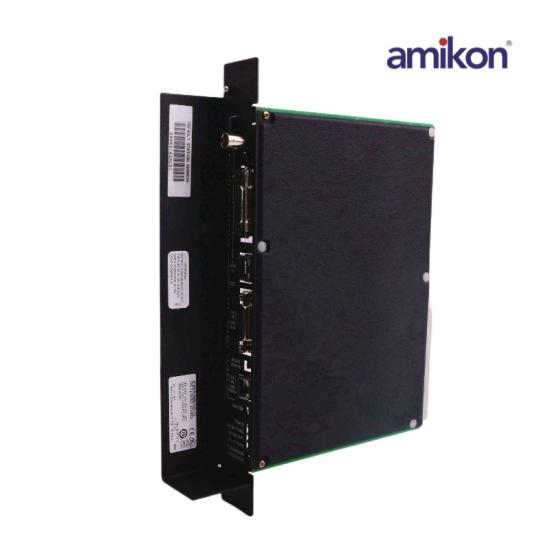

Brand/Manufature:
GEProduct Origin:
USALead Time:
In StockCondition:
Brand NewCertificate:
Coo/Test report/Warranty letter|
Dimensions:4x21.7x29.2cm |
Module Operating Voltage:+5 VDC, +12 VDC (from PLC power supply |
|
Weight:0.52kg |
Power Supply: 24 VDC Input, 90 watt |
|
Series:Series 90-70 |
Input Range:4-25 mA |
|
Module Current Drain:2.0 Amps (+5 VDC), typical0.5 Amps (+12 VDC), maximum when powering an external AUI transceiver |
Module Operating Temperature:0 C to +55C (32F to 131F), ambient |
|
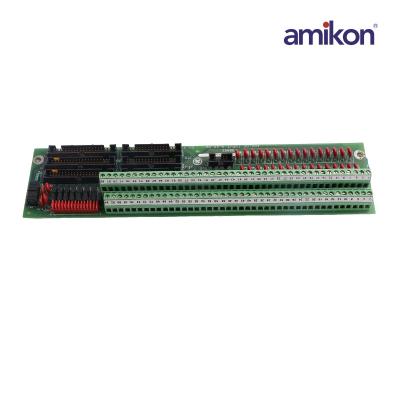
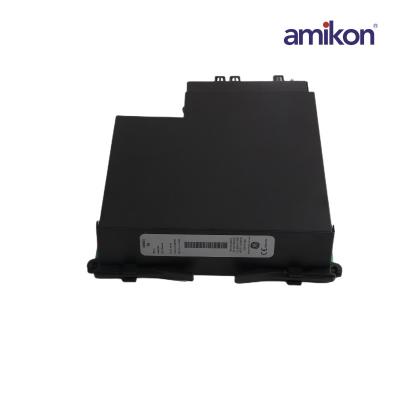
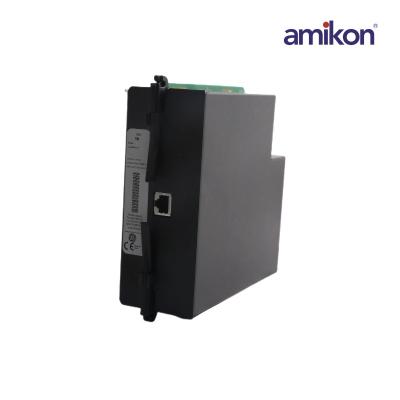
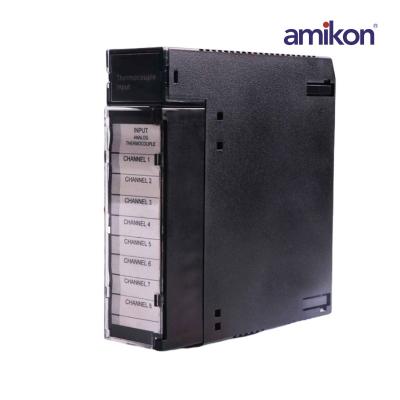
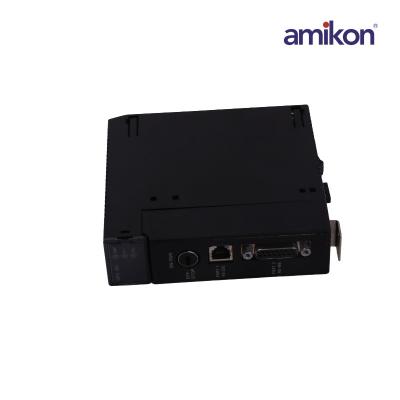
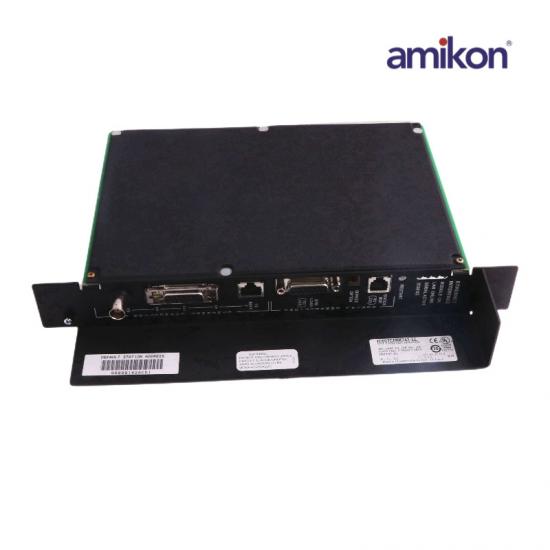
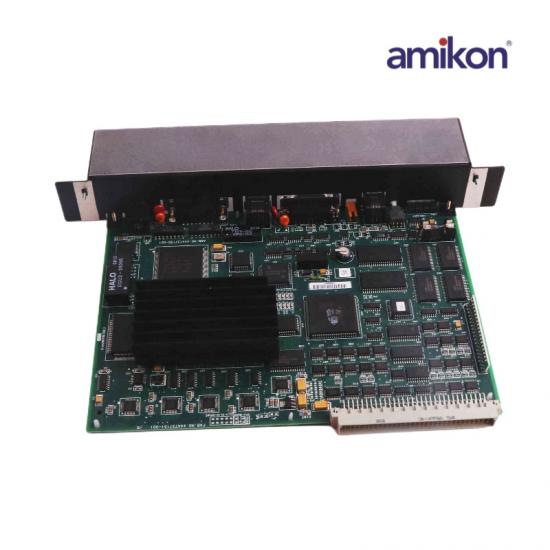
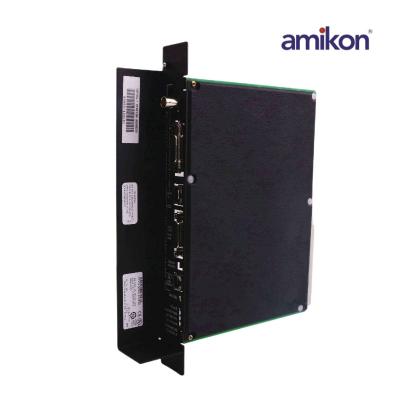
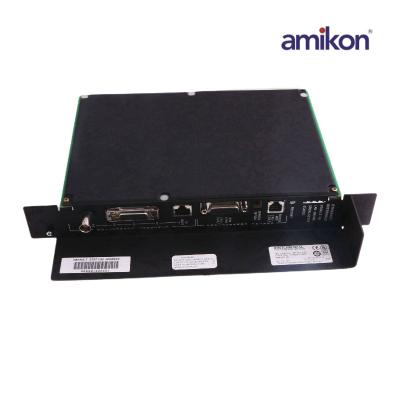
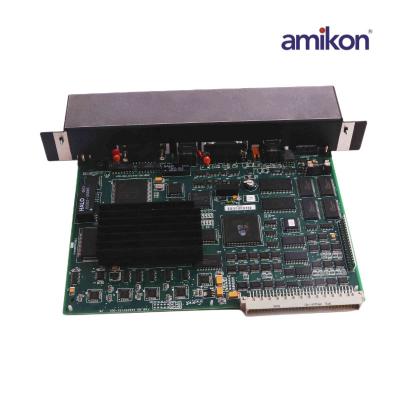
IC697CMM742 describe The GE Fanuc Series 90-70 IC697CMM742 Ethernet interface is intended to provide TCP/IP communication to its host PLC system. It is installed in the PLC system that hosts it by being plugged into 1 slot in the PLC CPU rack and then by being configured with the IC641 PLC programming software. As many as 4 Ethernet interfaces like the IC697CMM742 Ethernet interface can be installed in the same PLC CPU rack. The interface can only use 1 of its 3 network ports at a time and it will select which network port to use at a certain time. The IC697CMM742 Ethernet interface has 4 LEDs for interface status updates which include the “MODULE OK” LED, the “LAN ONLINE” LED, the “SERIAL ACTIVE” LED, and the “STATUS” LED. |
|
 +86 18965423501
  sales16@amikon.cn
  AMKPLC

Question: What is an IC697CMM742?
Answer: The IC697CMM742 is an Ethernet Interface from the GE Fanuc 90-70 Series.
Question: In Proficy what should I be doing?
Answer: You should make sure you select everything you see physically in front of you, in Proficy.
Question: How do I go into configuration?
Answer: Right click on slot #2, hit configure, give it an IP address, and a sub-net mask.
Question: What IP address should I give IC697CMM742?
Answer: Give it an IP address that is far above anything you have on your network so it doesn't get confused and when you ping it, you know you're only pinging this device.
Question: What should I do next?
Answer: Plug a local Ethernet cable into where it says 10 Base T. You should get a LAN LED blinking and that will let you know you're ready to ping this device.
Question: How do I ping it?
Answer: Go into Command Prompt, ask it to ping the address you put in, hit enter, and you will be looking for a reply.
Question: What else should I check on IC697CMM742?
Answer: You should check the AAUI port.
+86 18965423501 sales16@amikon.cn AMKPLC
|
GE |
|||
|
DS200SDCIG1ABA |
8851-LC-MT |
DS200ADMAH1AAC |
DS200EXPSG1ACB |
|
DS200SDCIG1AHB |
8811-IO-DC-01 |
DS200SNPAH1ABB |
DS200SHVIG1BGD |
|
DS200SDCIG2ABA |
8002-CC-85 |
DS200LDCCH1ALA |
DS200TBQDG1AFF |
|
DS200SDCIG2AGB |
8601-FT-NI |
DS200DTBDG1ABB |
DS200TCDAG1AEA |
|
DS200SHVMG1ACC |
8611-FT-FU |
DS200PTBAG1BBA |
DS200TCDAH1BHD |
|
DS200SHVMG1AFE |
8709-CA-08 |
DS200TCCBG1BED |
DS200TCRAG1ACC |
|
DS200SLCCG1ACC |
8750-CA-NS |
DS200TCQCG1BKG |
IS200TSVCH1ACB |
|
DS200SLCCG1AEE |
IC200UDD104 |
IS200PDIOH1A |
IS200TSVCH1AEC |
+86 18965423501 sales16@amikon.cn AMKPLC

Get regular updates and real automation insights straight to your inbox.


 IPv6 network supported
Disclaimer: Amikon sells new and surplus products and develops channels for purchasing such products. This website has not been approved or recognized by any of the listed manufacturers or trademarks. Amikon is not an authorized distributor, dealer, or representative of the products displayed on this website. All product names, trademarks, brands, and logos used on this website are the property of their respective owners. The description, explanation, or sale of products with these names, trademarks, brands, and logos is for identification purposes only and is not intended to indicate any association with or authorization from any rights holder.